
AI Sheets™ Translator
Translate your Google Sheets into 130+ languages in seconds. Every cell, header, and formula — accurately translated without breaking your calculations.
How It Works
Three simple steps to translate any Google Sheet
Install the Add-on
Get AI Sheets™ Translator from the Google Workspace Marketplace. One click to install, no configuration needed.
Open & Select Language
Open any Google Sheet, launch the add-on from the menu, and pick your target language from 130+ options.
Translate Instantly
Hit translate and watch your entire spreadsheet — every cell, header, and sheet tab — converted in seconds. Formulas stay untouched.
Everything You Need
A powerful yet simple add-on built for analysts, teams, and organizations worldwide
130+ Languages
Translate your Google Sheets into over 130 languages with natural, fluent results powered by advanced AI.
One-Click Translation
Select a target language and click translate. The entire spreadsheet — cell text, headers, and sheet tab names — is translated instantly.
Formulas Preserved
All formulas, cell references, and named ranges remain intact. Only text content is translated — your calculations are safe.
Create or Update
Choose to update the current spreadsheet in place or create a brand-new translated copy — keeping your original data untouched.
Privacy First
Spreadsheet content is processed in real time and never stored. We adhere to Google API Services User Data Policy including Limited Use requirements.
Credits System
Start with free credits. Purchase more or subscribe for unlimited translations. No hidden fees, cancel anytime.
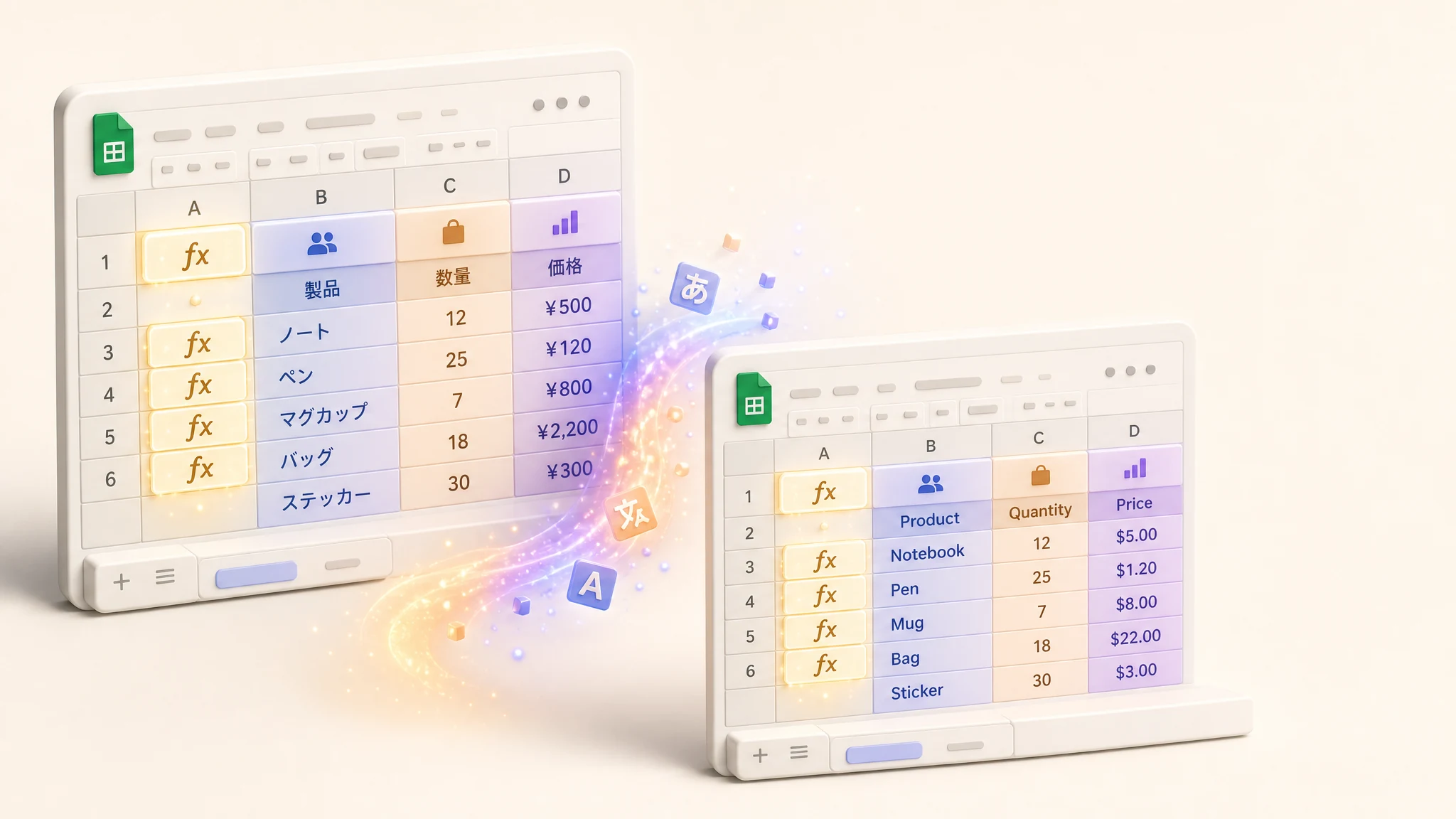
Update or Create a Copy
Translate your spreadsheet in place for quick edits, or generate a brand-new copy to keep your original data intact. Perfect for maintaining multilingual versions of reports, inventories, and business spreadsheets.
- Preserve the original spreadsheet while creating translated copies
- Formulas, data types, and formatting fully preserved
- Translated spreadsheets are fully editable Google Sheets

Built with Privacy in Mind
Your spreadsheet data is never stored. Content is processed in real time and discarded immediately after translation. We fully comply with Google's API Services User Data Policy and Limited Use requirements.
- Zero data retention — spreadsheet content is never saved
- HTTPS encryption for all data in transit
- Google API Services User Data Policy compliant
Frequently Asked Questions
Everything you need to know about AI Sheets™ Translator
Start Translating Your Sheets Today
Install AI Sheets™ Translator for free. Get started with complimentary credits — no credit card required.