
Translate Documents with AI
PDF with OCR — 130+ languages — Export as DOCX
Drop your PDF here or click to browse
PDF · 1 credit per page
Max 100 MB
How Document Translation Works
Upload, translate, download
Upload Your PDF
Drag and drop or browse — PDF files up to 100 MB, including scanned documents
AI Translates
OCR extracts text from every page, then AI translates into your target language
Download DOCX
Get your translated document as a downloadable DOCX file
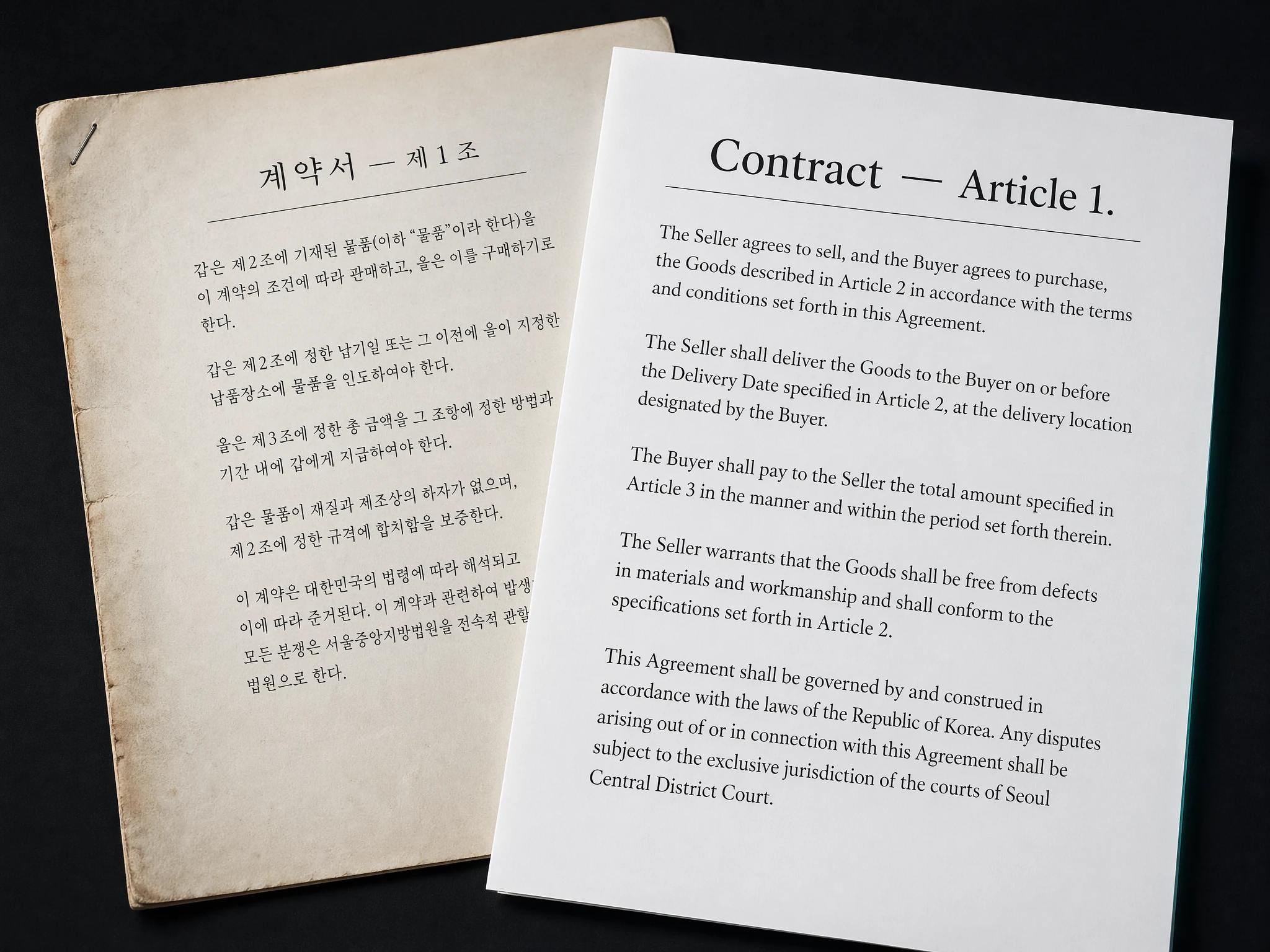
Translate Even Scanned Documents
Our OCR engine extracts text from scanned PDFs and image-based documents, then translates everything into your target language.
- Scanned PDFs with OCR text extraction
- Digital PDFs with direct text parsing
- Exported as downloadable DOCX
Built for Professional Documents
OCR for Scanned PDFs
Powered by advanced OCR that extracts text from scanned documents, photos, and image-based PDFs.
PDF Support
Upload any PDF file — digital or scanned — and receive a translated DOCX.
Fast Processing
Documents are processed page by page with real-time progress tracking.
130+ Languages
Translate between any of our supported language pairs with AI-powered accuracy.
Confidential & Secure
Documents are encrypted in transit and at rest. Your files are not stored permanently.
Pay Per Page
1 credit per page — simple, transparent pricing with no hidden fees.