
Translate Text in Images
OCR + translate — batch up to 30 images — 130+ languages
Drop images here or click to browse
JPG, PNG, WebP · Up to 30 files
Max 20 MB
How Image Translation Works
From photo to translated text
Upload Images
Drop photos, screenshots, or scanned pages — JPG, PNG, WebP, up to 30 at once
AI Reads & Translates
OCR extracts text from the image, then translates it into your target language
Download Results
Get the translated text and images
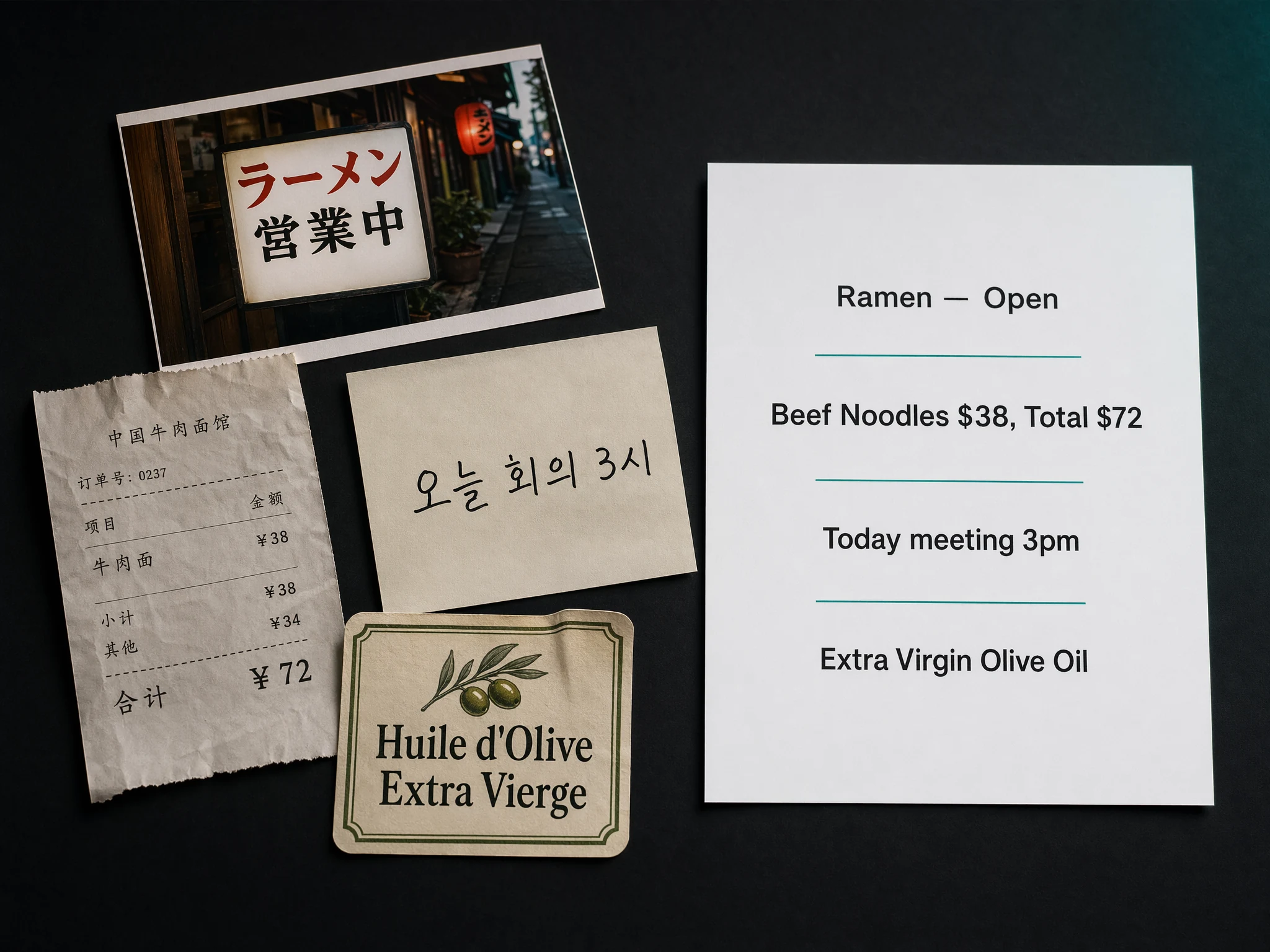
Read Text from Any Image
Our OCR engine detects text in photos, screenshots, scanned documents, signage, and menus. Supports complex backgrounds, curved text, and multiple text regions.
- Photos, screenshots, and scans
- Complex backgrounds and overlapping elements
- Vertical, horizontal, and rotated text
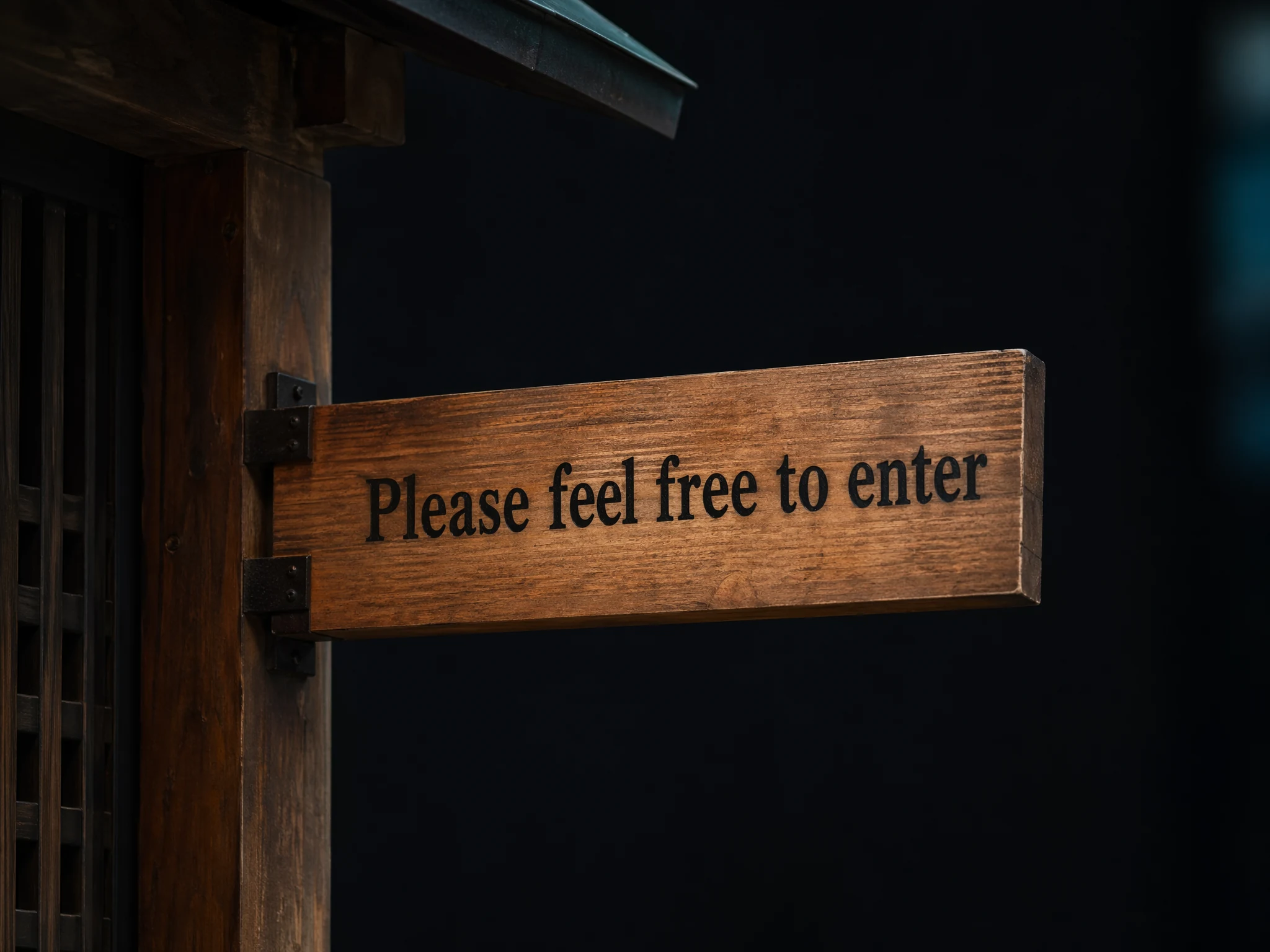
Translated Text, Right Where It Belongs
Translated text is rendered back into the image at the original position. Font sizes, colors, and backgrounds are automatically matched.
- Text position and size matching
- Background color sampling
- Original image quality preserved
Image Translation Features
OCR Text Extraction
Detects and extracts text from photos, screenshots, signage, menus, and scanned documents.
Batch Upload
Upload up to 30 images at once for batch translation.
In-place Rendering
Translated text is rendered back into the image at the original position, matching font size and style.
Auto Language Detection
Automatic source language detection for each image.
High Resolution
Supports images up to 20 MB each. JPG, PNG, and WebP formats.
1 Credit Per Image
Simple pricing — each image costs 1 credit regardless of text amount.