
PDF Translator — Translate PDF Files with AI
Upload a PDF, pick a language, get a translated DOCX — OCR support included
Drop your PDF here or click to browse
PDF · 1 credit per page
Max 100 MB
How to Translate a PDF Online
Three steps from upload to translated download
Upload Your PDF
Drag and drop any PDF file up to 100 MB — digital or scanned, single or multi-page.
Choose Target Language
Pick from 130+ languages. Source language is auto-detected from the PDF content.
Download Translated PDF
Receive an editable DOCX with the translated text, layout, and structure preserved.
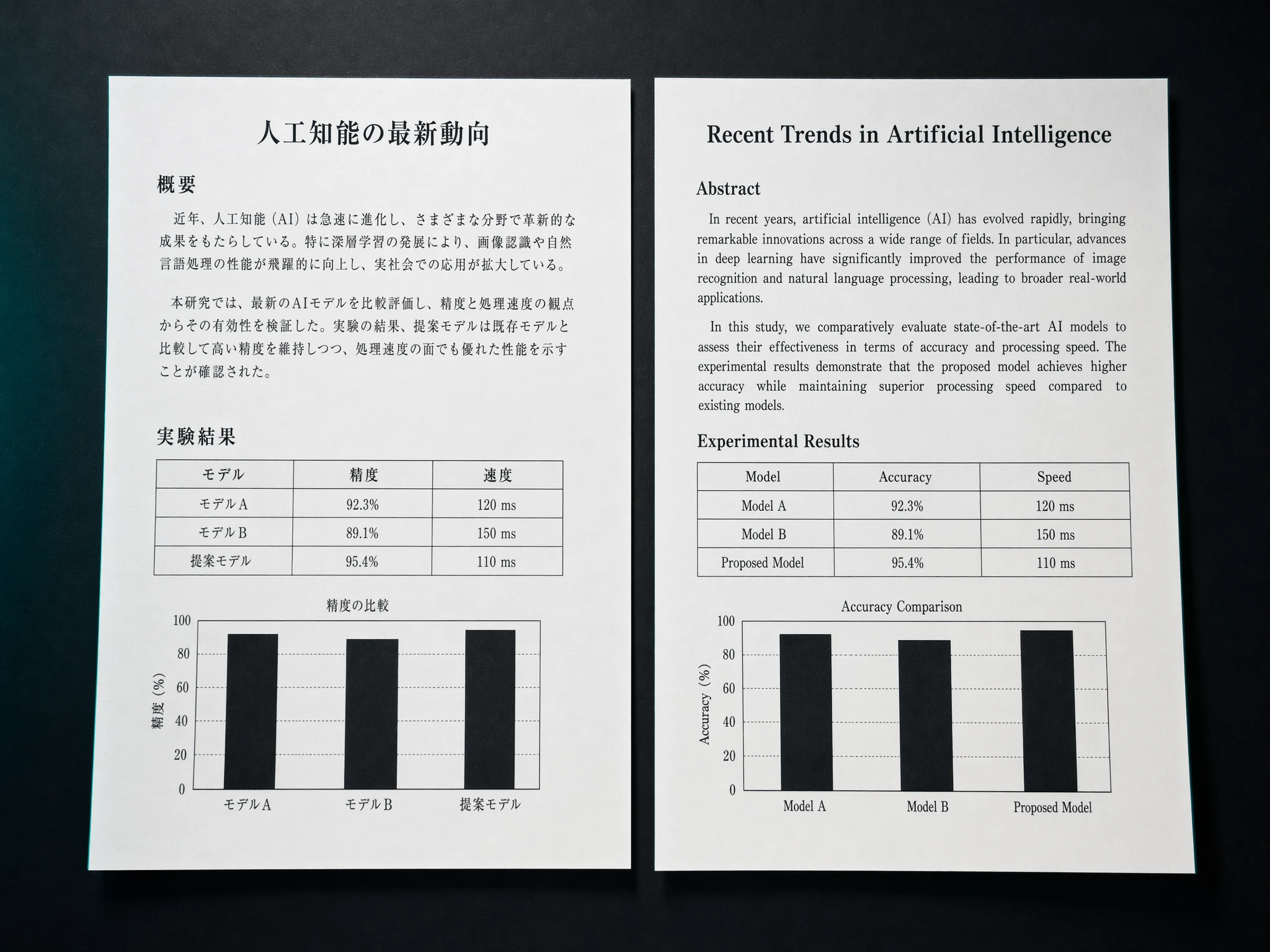
Your PDF Layout, Fully Preserved
Most online PDF translators destroy the layout — tables collapse, headings vanish, bullets break. TransAgent keeps structure intact so the translated DOCX reads exactly like the original.
- Headings, paragraphs, and lists preserved
- Tables kept in readable form
- Exportable as DOCX — edit freely in Word or Google Docs
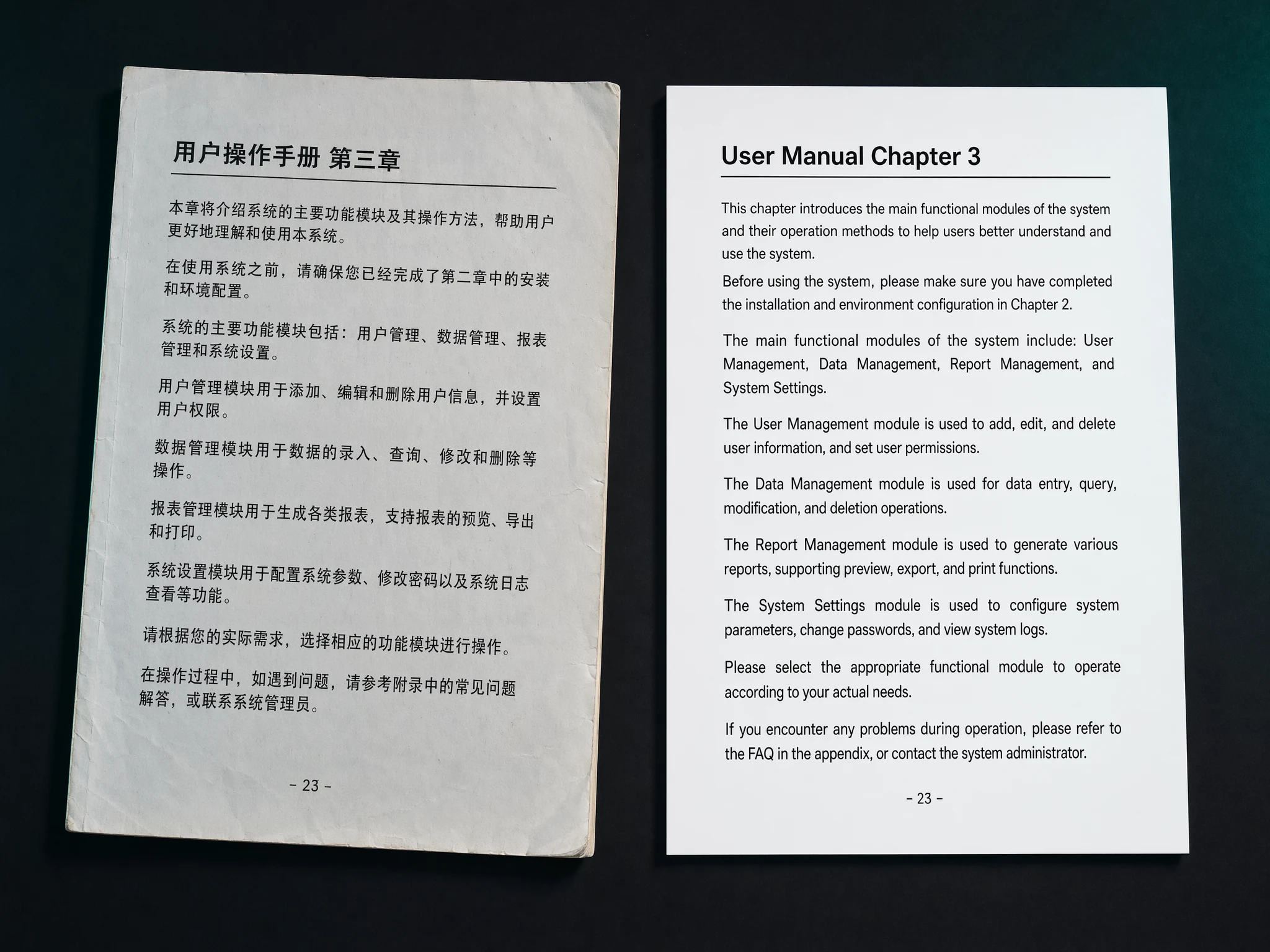
Translate Scanned PDFs, Not Just Digital
Many contracts, invoices, research papers, and legacy documents come as scanned PDFs. Our built-in OCR extracts text from every page — even handwritten or low-quality scans — before translation.
- Scanned legal contracts and invoices
- Academic papers and historical records
- Photos of documents taken with a phone camera
Why Choose TransAgent as Your PDF Translator
Built for professionals who need accurate translations, not just quick ones
Preserves PDF Layout
Paragraphs, headings, tables, and bullet lists stay intact after translation — no more broken formatting.
OCR for Scanned PDFs
Scanned contracts, invoices, and image-based PDFs are read with OCR and translated accurately.
130+ Languages
Translate PDFs from English to Chinese, Spanish, Japanese, German, French, Korean, Arabic and more.
Unlimited Pages
Translate single-page PDFs or 500-page reports. Real-time progress shows every page as it completes.
Private & Secure
Your PDF is encrypted in transit, processed in memory, and deleted after translation. Never used for training.
Transparent Pricing
Pay 1 credit per page. No subscription required. Start with 3 free credits on sign up.
Frequently Asked Questions about PDF Translation
Everything you need to know about translating PDF files
Explore More AI Translators
Translate Your First PDF in Seconds
3 free credits on sign up. 1 credit per page. No subscription required.